
PC Performance
Why your Windows PC got slow and what actually helps - clearing startup programs, freeing disk space and cleaning up Windows without risky tools.
Computers do not slow down all at once. Programs quietly add themselves to startup, the disk fills up, and one day the machine simply feels tired. Nothing is broken - it needs a clear-out.
 How to Clean Up Windows 11 and Free Up Disk SpaceLow on disk space in Windows 11? Learn how to safely delete temporary files, empty the Recycle Bin and use Disk Cleanup and Storag...
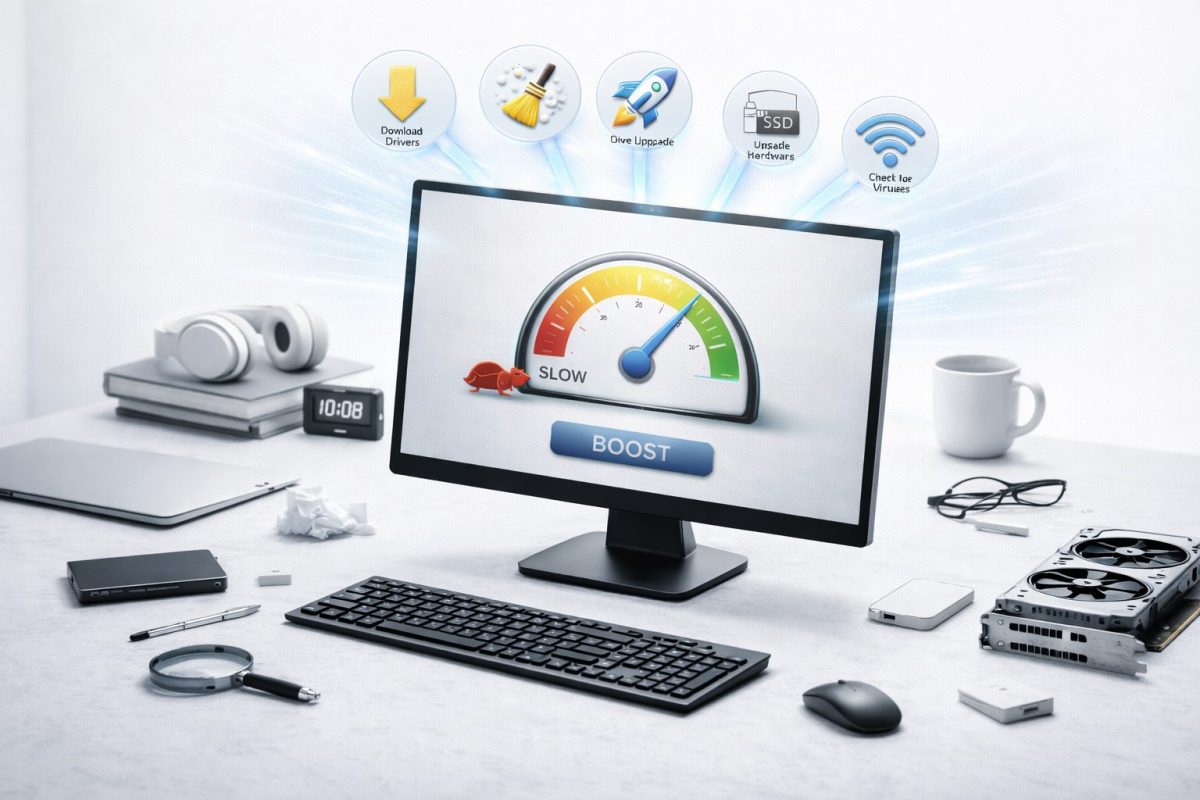 Why Is My Computer So Slow? 7 Fixes That Actually HelpIs your computer slow or lagging? Learn the most common causes and 7 simple fixes that speed up a slow Windows PC - easy steps any...
What Actually Makes a PC Faster
Two things account for most of the difference: how many programs launch with Windows, and how much free space is left on the drive. Both are free to fix and take a few minutes.
Everything else is smaller. And if the computer still struggles after a proper clean-up, the limit is usually the hardware rather than anything you can tidy away.
Frequently Asked Questions
Do cleaning programs really make a PC faster?
Windows already includes the tools that matter. Most of the gain comes from startup programs and free disk space, and you can do both yourself without installing anything.
How much free disk space should I keep?
Aim for 10 to 15 percent of the drive. On a 256 GB drive that is roughly 25 to 40 GB. Below that, Windows updates start failing and everything slows down.
Will adding memory fix a slow computer?
If the machine still struggles after a clean-up and has only 4 GB of memory or a traditional hard drive, then a hardware upgrade helps. An SSD usually makes a bigger difference than extra memory.