
Devices
Printer and scanner troubleshooting in plain language - offline printers, jobs stuck in the queue, and devices that stop working after a Windows update.
Printers and scanners cause more everyday trouble than anything else attached to a computer. The device is usually fine - Windows has simply lost track of it, or a job is stuck in the queue.
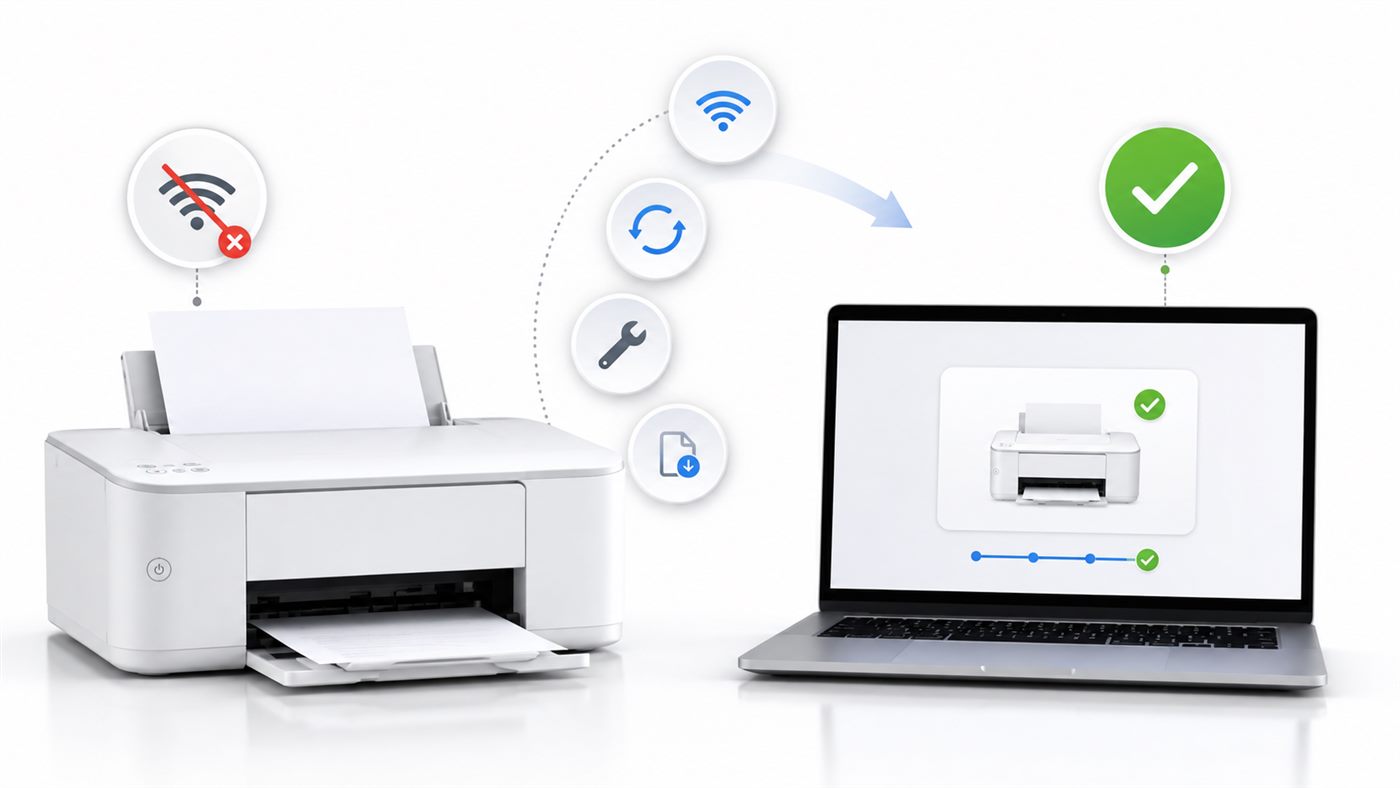 Printer Says Offline? 7 Fixes to Get It Back OnlinePrinter showing Offline but switched on? Learn what Offline really means and 7 simple fixes - from the Use Printer Offline setting...
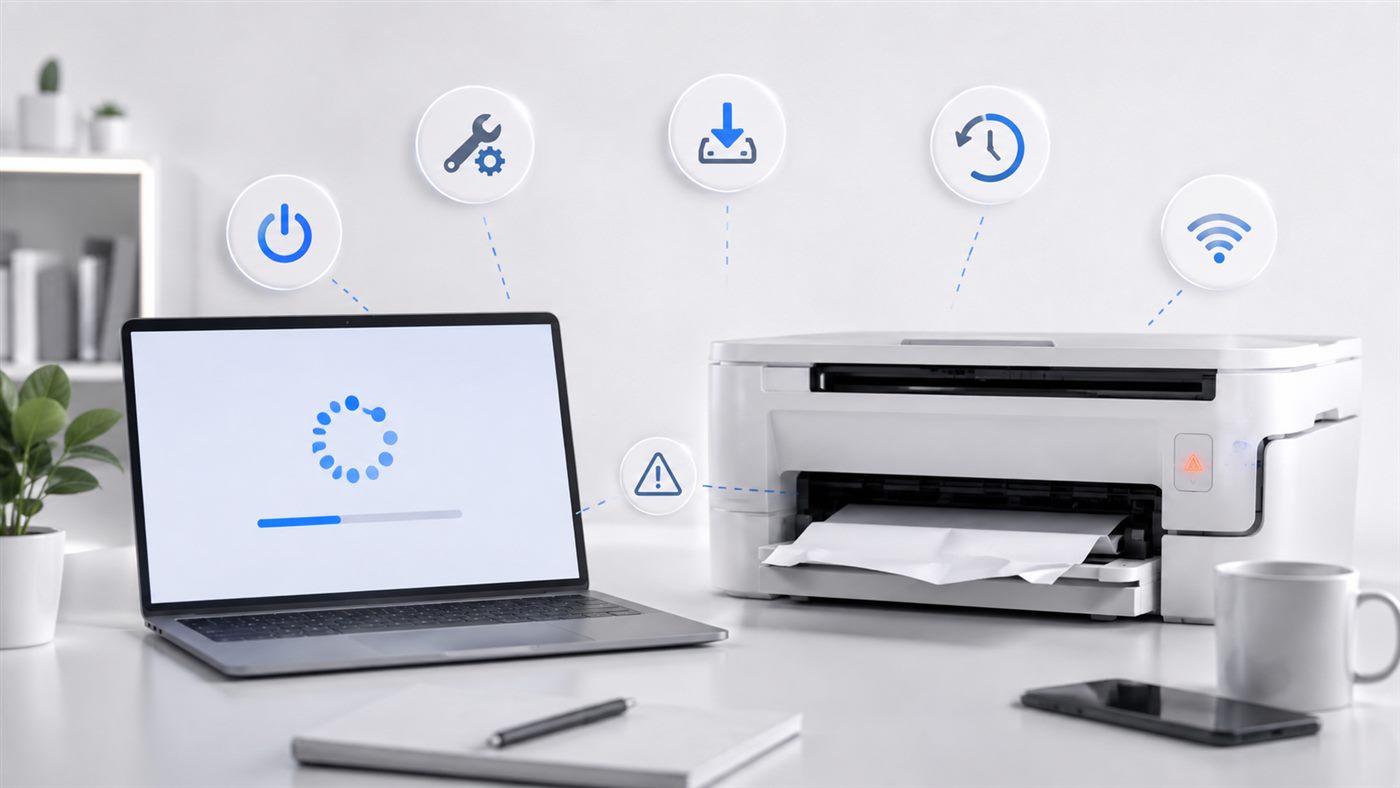 Printer Not Working After a Windows Update? 5 Fixes That HelpPrinter stopped working right after a Windows update? Learn why updates break printers and 5 simple fixes, from restarting the spo...
 HP LaserJet 1020 / 1018 / P1005 Driver Not Working FixHP LaserJet 1020 driver not working? Fix driver problems for the 1020, 1018 and P1005 on Windows 10 and 11 with a step-by-step rei...
 How to Fix an Epson L3250 Not Working on Windows 10 or 11Is your Epson L3250 not working on Windows 10 or 11? This Techooli guide shares 5 simple steps to fix connection issues, drivers, ...
 Canon IJ Scan Utility: Download, Install and Fix Scanner IssuesLearn how to download Canon IJ Scan Utility, install it correctly, and fix common scanner issues on Windows step by step.
 Why Is My Printer Not Working?Printer not working? Learn the most common reasons your printer won't print and 6 simple fixes you can try in Windows to get ...
Why Printers Are the Usual Suspect
A printer sits between Windows, your network and its own driver, so there are several places for the connection to break. That is why a printer can work perfectly one day and refuse the next without anything being damaged.
Start with the print queue and the printer status in Windows. Those two account for most cases, and neither requires reinstalling anything.
Frequently Asked Questions
Why does my printer work one day and not the next?
Wireless printers often receive a new address when the router restarts. Windows keeps looking at the old address, gets no answer, and shows the printer as offline even though it is working.
Do I need the software from the printer manufacturer?
Usually not for printing - Windows includes drivers for most printers. The manufacturer software matters more for scanning and for checking ink levels.
My printer prints from my phone but not from my PC. What does that mean?
The printer and the network are both fine. The problem is on the Windows side, which is good news - it is the easier half to fix.