
Windows Issues
Step-by-step fixes for everyday Windows problems: missing DLL errors, no sound, fake virus warnings and documents you thought you had lost for good.
Most Windows problems look far worse than they are. An error code, a missing file, a warning that fills the whole screen - underneath, the cause is usually something ordinary and the fix takes a few minutes.
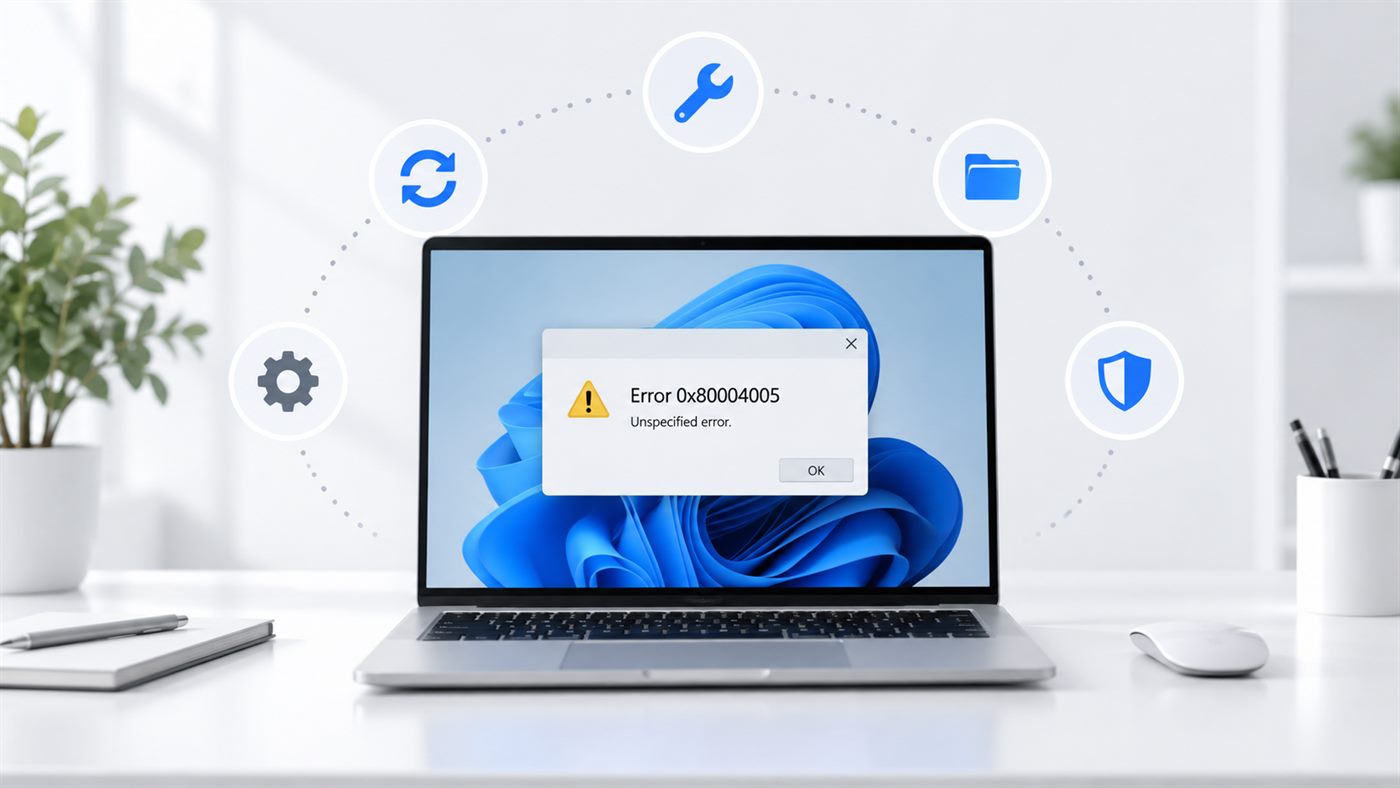 Error 0x80004005: What It Means and How to Fix ItError 0x80004005 in Windows just means unspecified error. Find your situation below - a shared folder, a failed update, a zip file...
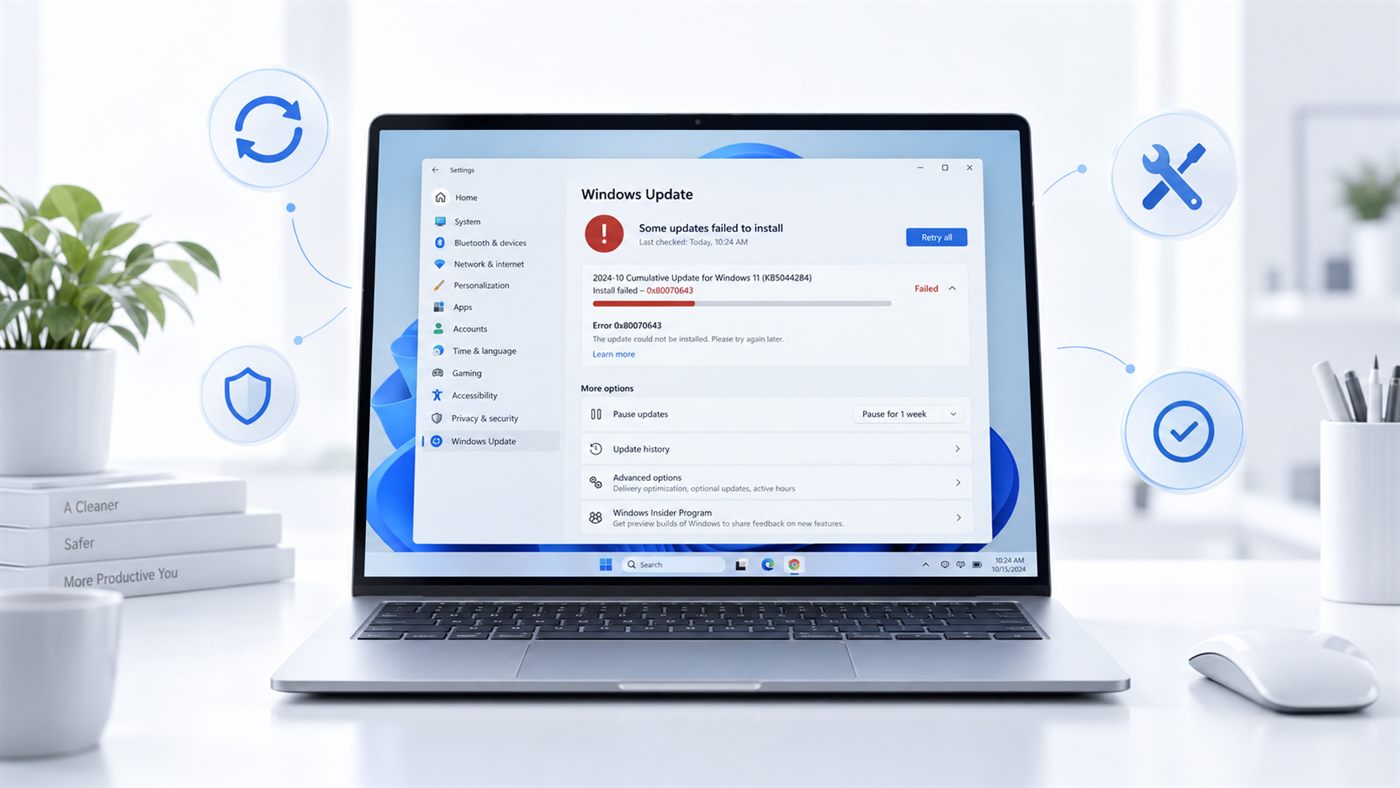 Error 0x80070643: How to Fix a Failed Windows UpdateWindows update failing with error 0x80070643? The code only means install failed. Find which update is failing - Defender, .NET or...
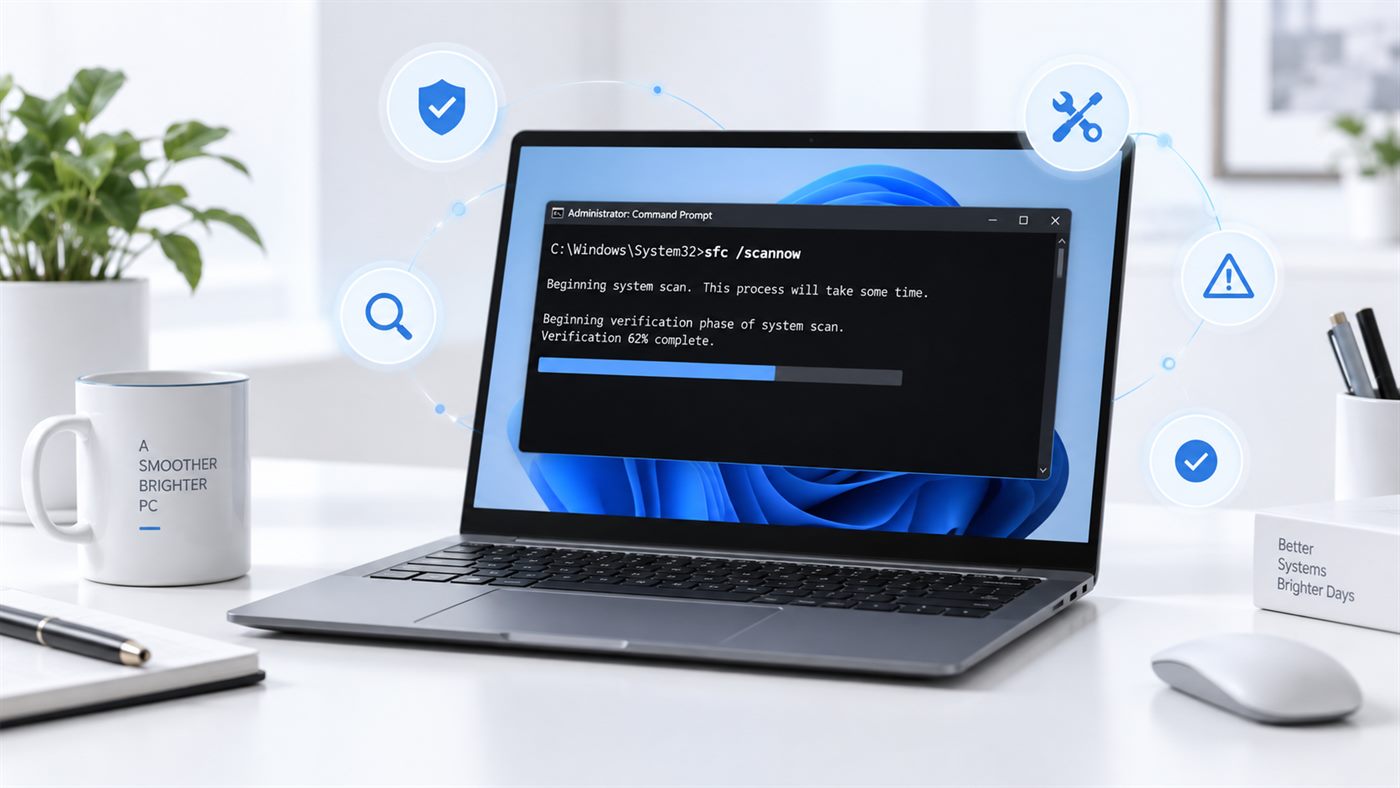 SFC Scannow: How to Run It and What the Results MeanRan sfc /scannow and got one confusing line back? What each of the four results means, why DISM comes first, and what to do when i...
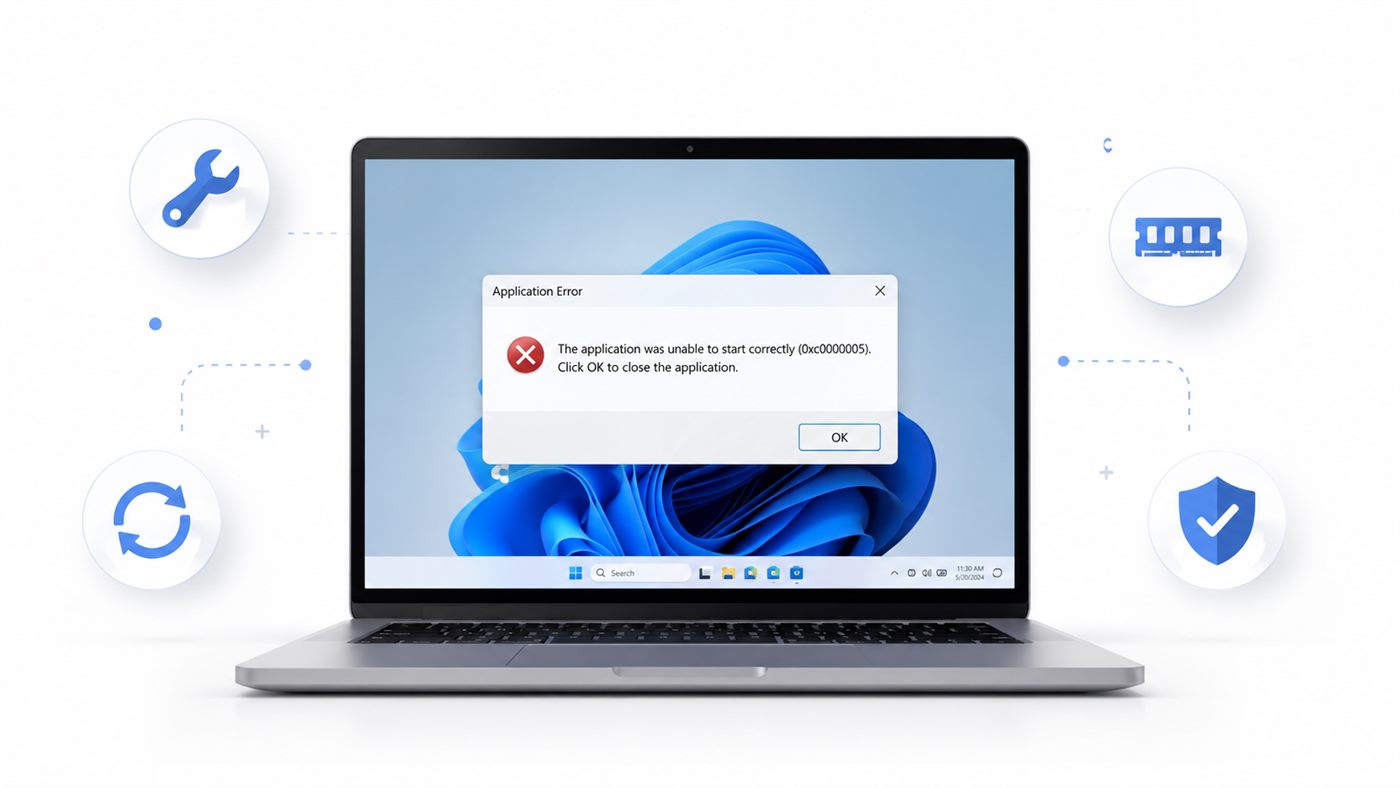 Error 0xc0000005: Why a Program Crashes and How to Fix ItGetting error 0xc0000005 when you open a program? Learn what the code really means and 7 fixes, starting with the one that works m...
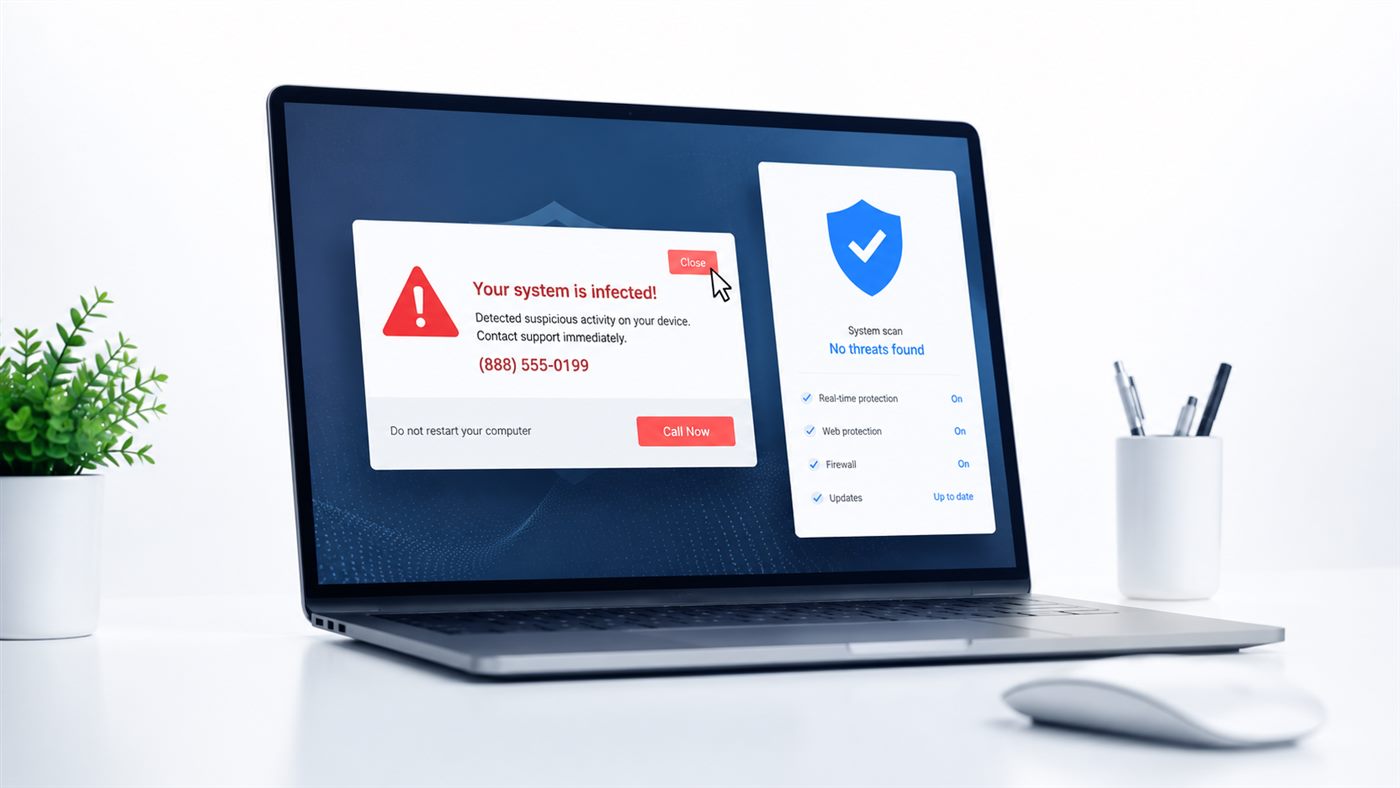 Fake Virus Warning on Your Screen? How to Stop It SafelyA pop-up says your PC is infected? It is almost always fake. Learn how to close it safely and stop the warnings from coming back f...
 How to Recover an Unsaved Word DocumentWord crashed or you closed without saving? Your document is probably not gone. 4 simple ways to recover an unsaved Word document t...
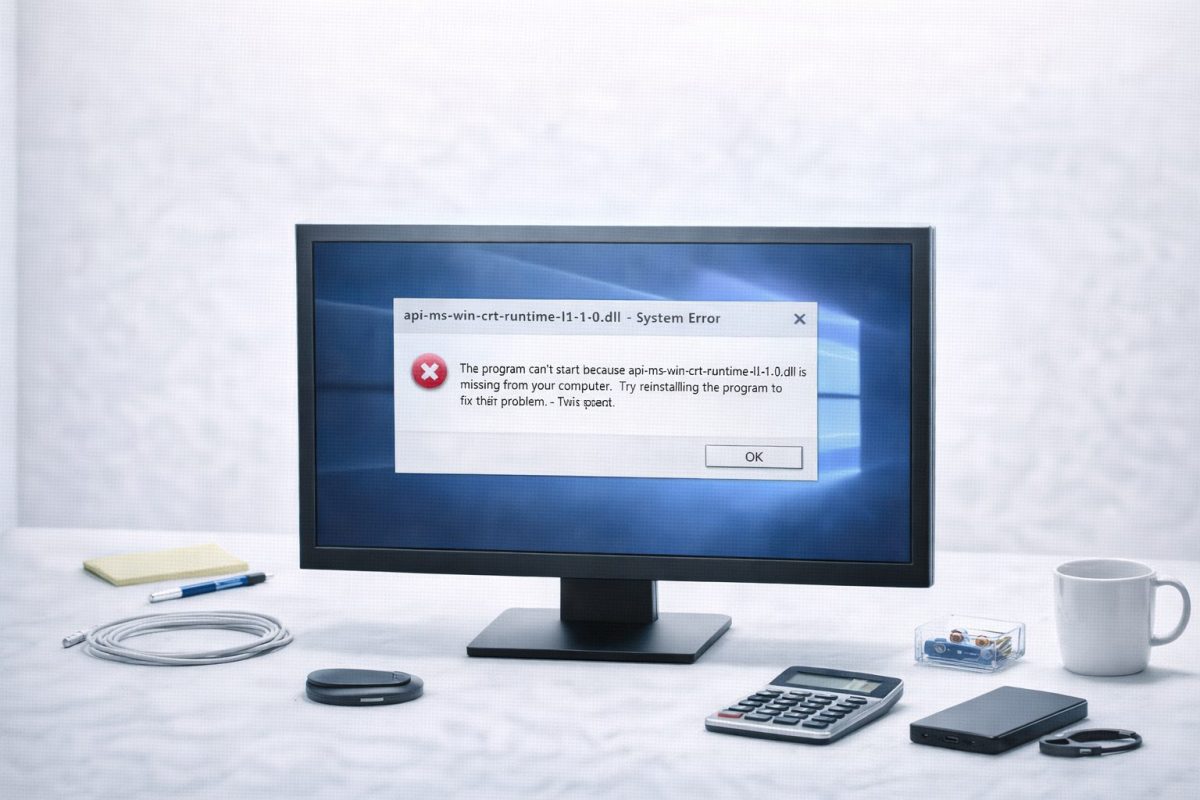 api-ms-win-crt-runtime-l1-1-0.dll Error: How to Fix ItGetting the api-ms-win-crt-runtime-l1-1-0.dll error on Windows? Learn why it appears and how to fix it with Visual C++, Windows Up...
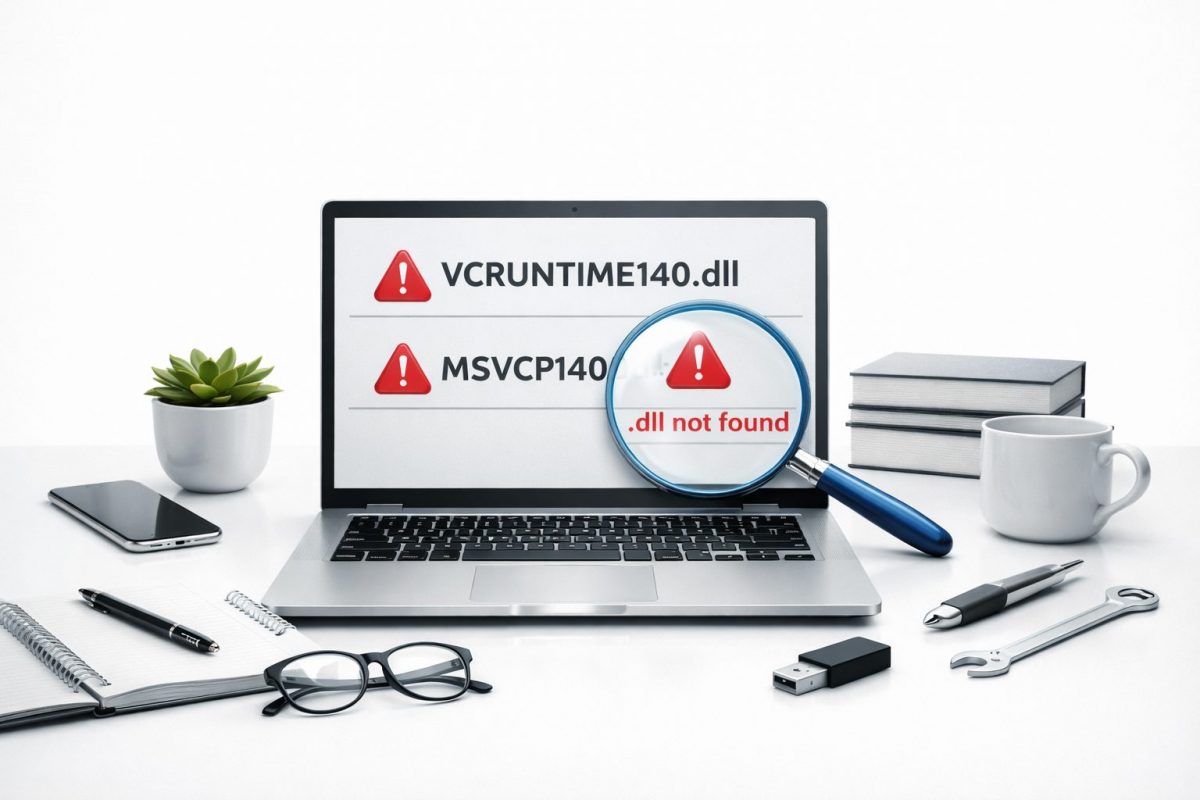 How to Fix VCRUNTIME140.dll and MSVCP140.dll Missing Errors in WindowsFix VCRUNTIME140.dll missing and MSVCP140.dll missing errors in Windows. Easy step-by-step guide to reinstall Visual C++ and repai...
 No Sound on Windows? Fix Audio Not Working in 8 StepsNo sound on Windows 10 or 11? Learn why the audio stops working and 8 simple fixes - from a muted app in the volume mixer to rolli...
How We Approach a Windows Error
Every guide here starts with the safest step and works towards the more involved ones. You can stop as soon as the problem goes away - there is no need to do all of them.
We also explain why each step works. An error code stops being frightening once you know what it is actually telling you.
Frequently Asked Questions
Is a DLL error a sign of a virus?
Almost never. A missing DLL usually means a program was installed incompletely, or a shared Microsoft component is not on the computer. Installing the right Microsoft package fixes most of them.
Should I download a missing DLL file from the internet?
It is better not to. A single DLL taken out of context often does not match the rest of your system. Installing the proper Microsoft Visual C++ package puts the correct version in place and fixes the cause rather than the symptom.
Do I need to reinstall Windows to fix an error?
Very rarely. Reinstalling is the last resort, not the first. Nearly every error in this section is fixed without touching your files or programs.