The api-ms-win-crt-runtime-l1-1-0.dll error usually happens when Windows is missing an important system update or the Visual C++ files are damaged.
Table of Contents Common Causes of api-ms-win-crt-runtime-l1-1-0.dll Error
The api-ms-win-crt-runtime-l1-1-0.dll error appears when Windows cannot find the runtime files that some programs need to run. Before fixing the error, it helps to understand why it appears.
This file is part of the Microsoft Visual C++ Runtime , which many programs need to run.
The most common reasons are:
Windows updates are missing
Microsoft Visual C++ Redistributable is not installed
The file became corrupted
The program was installed incorrectly
System files were damaged after an update or crash
The good news is that you usually do not need to reinstall Windows.
Fix 1 - Install Microsoft Visual C++ Redistributable
This is the most common solution.
Many users see this error right after installing a new program or game.
Steps
Open your browser
Go to the Microsoft website
Search forVisual C++ Redistributable for Visual Studio 2015-2022
Download both versions:
Install both files
Restart your computer
After restarting, try opening the program again.
Pro Tip:
Fix 2 - Repair the Existing Installation
Sometimes the file is there, but it has a «glitch.» We can tell Windows to repair it instead of replacing it.
Open your Control Panel and click on Programs and Features .
Look through the list for Microsoft Visual C++ 2015 Redistributable .
Right-click it and choose Change .
A small window will pop up. Click the Repair button.
Wait for the progress bar to finish and restart your PC.
This happens a lot after people install a new game. The game tries to install its own version of this file and gets confused. A quick repair usually clears that confusion right up!
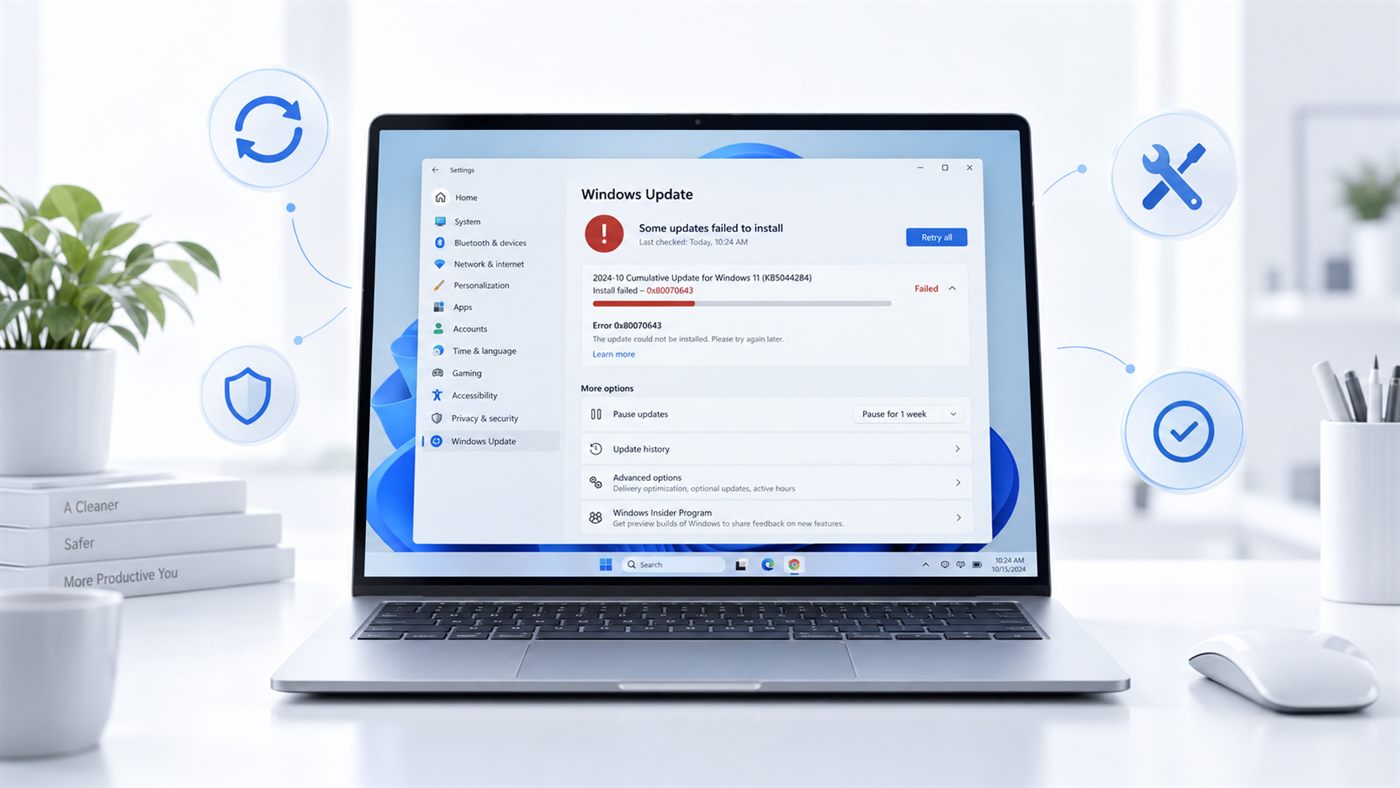
Fix 3 - Run Windows Update
Sometimes the file is missing because Windows was not fully updated.
This happens often on Windows 7 and early Windows 10 systems.
Steps
Click Start
Open Settings
Click Update & Security
Click Windows Update
Click Check for updates
Install all available updates
Restart the PC
After the update, the missing DLL file is often restored automatically.
Safety Note:
Fix 4 - Repair System Files
If Windows system files are damaged, you may see DLL errors.
Windows has a built-in tool that can fix this.
Steps
Click Start
Type cmd
Right-click Command Prompt
Select Run as administrator
Type: sfc /scannow
Press Enter
Wait until the scan finishes
Restart the computer
If the scan comes back with a line you cannot interpret, our guide on what the sfc /scannow results mean covers all four of them.
This tool checks Windows files and replaces broken ones automatically.
This command helps a lot with strange errors.
Fix 5 - Reinstall the Program That Shows the Error
Sometimes the problem is not Windows, but the program itself.
If the app was installed incorrectly, the DLL file may not be included.
Steps
Open Settings
Go to Apps
Find the program with the error
Click Uninstall
Restart the PC
Download the latest version of the program
Install it again
After reinstalling, check if the error is gone.
If you keep seeing the api-ms-win-crt-runtime-l1-1-0.dll error, Windows is usually missing some required runtime files. Installing Visual C++ packages or updating Windows fixes this problem in most cases.
Final Words
DLL errors like api-ms-win-crt-runtime-l1-1-0.dll look scary, but they usually happen because something small is missing.
If your system has many missing or outdated components, you may also want to read our guide on how to update drivers on Windows .