In this guide, we will help you fix the VCRUNTIME140.dll missing error in Windows, which often appears together with the MSVCP140.dll missing message.
The VCRUNTIME140.dll missing error usually appears when Windows cannot find important system files that programs need to run.
Table of Contents Common Causes of VCRUNTIME140.dll Missing Error
Before fixing the problem, it helps to understand why it happens.
These errors appear when Windows cannot find important system files that many programs need to run.
The most common reasons are:
Microsoft Visual C++ Redistributable is not installed
The files were deleted by mistake
Windows update removed or replaced system files
Antivirus software blocked the file
The program was installed incorrectly
System files became corrupted
This sounds scary, but the fix is usually simple.
Let's go step by step.
Fix 1 - Install Microsoft Visual C++ Redistributable (Most Important Fix)
In most cases, this alone solves the problem.
Many programs need Microsoft Visual C++ components to run.
Step 1
Go to the official Microsoft website and download both versions:
Step 2
Run the installer.
Click Install or Repair if it is already installed.
Step 3
Restart your computer. Then try opening the program again.
Pro Tip:
Fix 2 - Repair System Files Using SFC Scan
Sometimes the DLL files exist but are damaged. Windows has a built-in tool to fix this.
Step 1
Click Start cmd
Right-click Command Prompt and choose Run as administrator
Step 2
Type this command: sfc /scannow
Press Enter.
Wait until the scan finishes. It may take several minutes.
Worth knowing what it can and cannot tell you: this scan only checks the files that came with Windows, so a damaged Visual C++ package is outside its reach. Our guide on reading the sfc /scannow result explains what each of its answers actually means.
Step 3
Restart your PC after the scan. Try running the program again.
Safety Note:
Fix 3 - Reinstall the Program That Shows the Error
Sometimes the problem is not Windows. Sometimes the program itself was installed incorrectly.
Step 1
Open Settings → Apps
Step 2
Find the program that shows the error.
Click Uninstall
Step 3
Restart the computer.
Step 4
Download the program again from the official website and install it.
Real-world note:
If the error started after installing new hardware or drivers, you may also want to read our guide on how to update drivers on Windows .
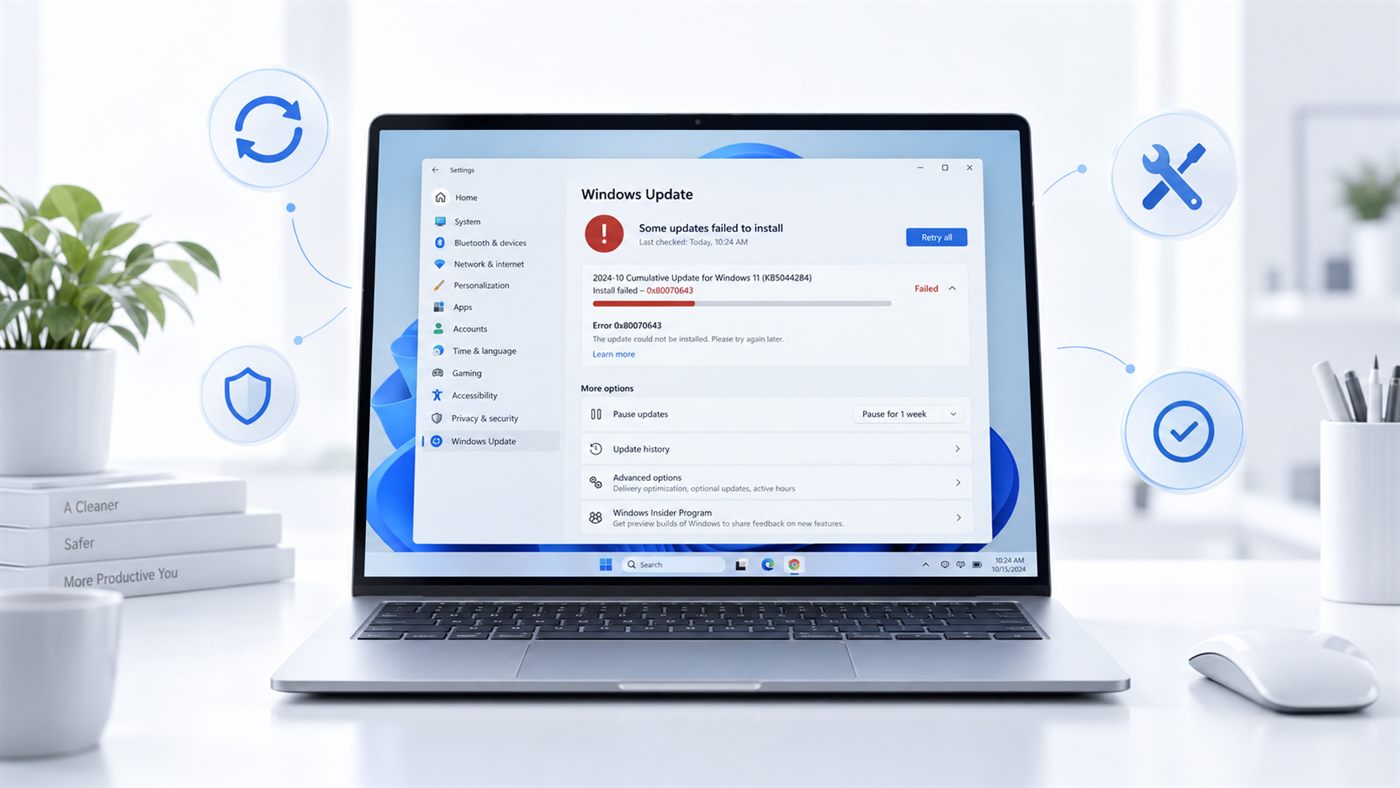
Fix 4 - Check Windows Update
Windows updates often install required system libraries.
Step 1
Open Settings → Windows Update
Step 2
Click Check for updates
Step 3
Install all available updates Restart your PC after the update finishes.
Fix 6 - Reinstall Visual C++ Completely (Advanced but Safe)
If the error keeps coming back, reinstall all Visual C++ packages.
Step 1
Open Settings → Apps
Step 2
Remove all items called: Microsoft Visual C++ Redistributable
Step 3
Restart the computer
Step 4
Download and install the latest versions again from Microsoft This often fixes stubborn DLL errors.
Final Thoughts
DLL errors like VCRUNTIME140.dll missing or MSVCP140.dll missing look serious, but they are very common and usually easy to fix. If the VCRUNTIME140.dll missing error keeps appearing, reinstalling Visual C++ and repairing Windows files usually fixes the problem.